IP Intelligence
See where your customer really connects from
VPN, proxy and data-center connections, checked against the address your customer typed.
Combine it with other Monnai products in one API call
- 15+ fields
- Proxy, VPN and Tor checks
- Results in milliseconds

Customer result
5% of its applicants flagged on an active VPN.
A buy now, pay later provider · Middle East
How IP intelligence works
Where your customer really connects from, checked against what they told you.
- IP address189.•• •• ••
- Address typedMexico City
- IP address185.•• •• ••
- Address typedMexico City
- Where it connects fromCountry, city, connection type
- Red flagsVPN, proxy, Tor, data center
- Checked against themThe address typed and the phone’s country
Reads as
No red flags
- Home connection
- Same city as the address
- No VPN or proxy
Next stepApprove
Reads as
3 red flags
- VPN on
- Data center, not home
- 2,300 km from the address
Next stepVerify again
Address and connection
Address typedMexico City
Same city
ConnectionMexico City, home
Address and connection
Address typedMexico City
2,300 km apart
ConnectionA data center, another country
Know the connection, and how it fits the customer
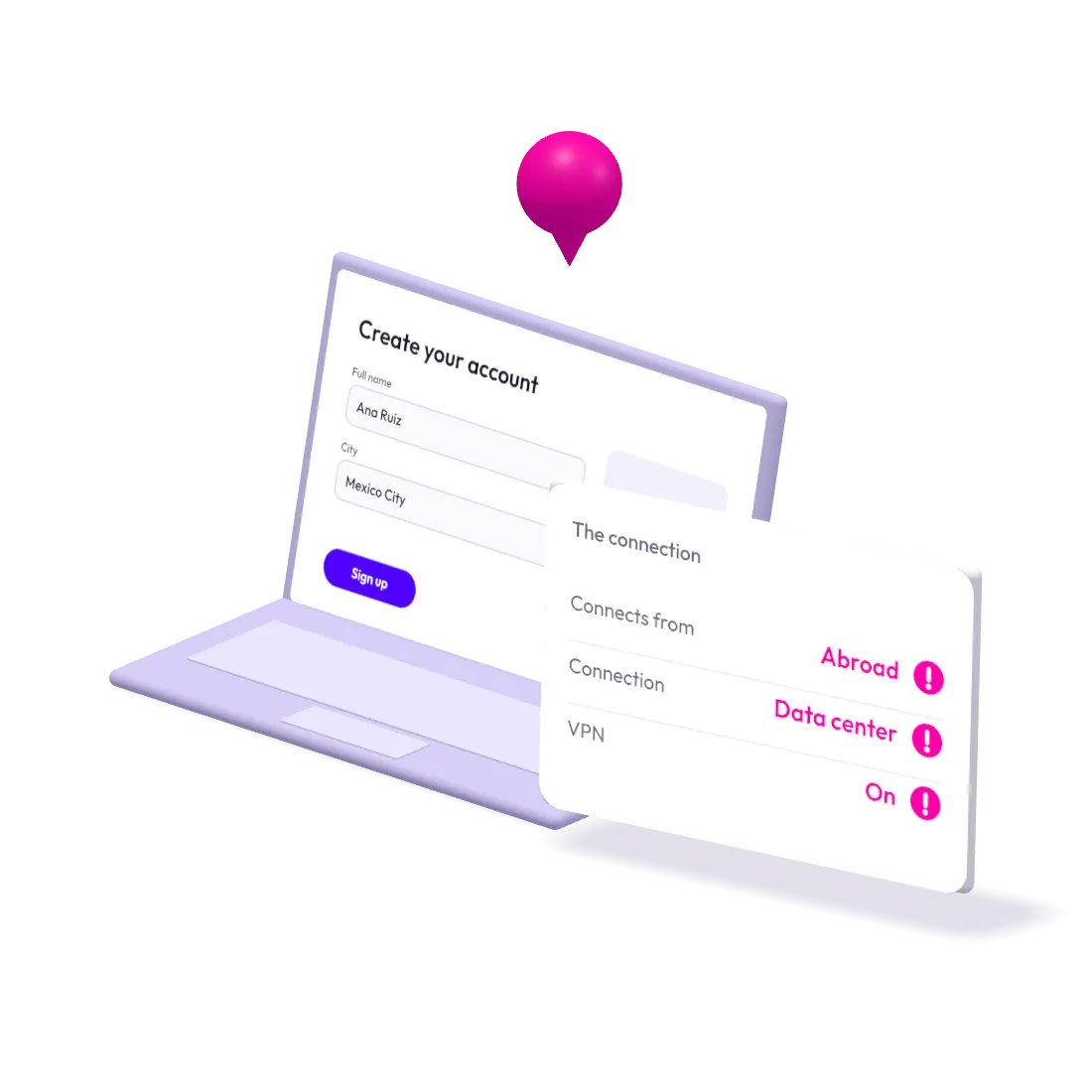
The connection, its red flags and how it compares with what your customer told you.
The connection
- Country and city
- Connection type: home, mobile or data center
Red flags
- VPN
- Proxy
- Tor
- Data center, not home
Checked against them
- The address typed
- The phone’s country
- Distance in plain words
Check the connection against the customer
An IP address says little on its own, but checked against the phone and the address typed, a mismatch stands out.
- Checked against what they told you.The IP is compared with the address typed and the phone’s country.
- Spots people hiding.VPN, proxy, Tor and data center connections.
- Distance in plain words.“2,300 km from the address typed”, not a raw coordinate.
- Good signals too.A home connection in the same city as the address is a quiet sign the customer is who they say.
Compare it with a typical IP check
Where a typical IP check stops, and what IP Intelligence adds.
| Typical IP check | Monnai IP Intelligence | |
|---|---|---|
| What you learn | Country, maybe VPN yes or no | VPN, proxy, Tor, data center, connection type |
| Context | The IP on its own | Checked against the address typed and the phone |
| Answer | A code or a black-box score | Plain red flags, with an optional Risk Score |
Use it for
The decisions IP Intelligence helps with most.
- Sign-up
- Login and account takeover
- Payments
- Services limited to certain countries
Combine it with
IP Intelligence works on its own, and with these through the same API call.
- Phone IntelligenceWhat a number is, its red flags and how it behaves.
- Email IntelligenceWhether an address is real, how old, how it behaves.
- Risk ScoreOne score from 0 to 999, with its top reasons.
Get answers about IP Intelligence
What is IP intelligence?
IP intelligence reads where a customer really connects from: country, city and connection type, and whether a VPN, proxy, Tor or a data center hides it. Monnai checks it against the address typed and the phone.
How do you detect a VPN or proxy?
Monnai checks the connection behind the IP address: VPN, proxy, Tor or a data center rather than a home or mobile network, and reports each as a plain red flag.
Why compare the IP with the address?
An IP address alone says little. Compared with the address your customer typed and the phone’s country, a mismatch stands out, and a match is a quiet good signal.
What does IP Intelligence return?
The connection: country, city and connection type (home, mobile or data center). Red flags: VPN, proxy, Tor, or a data center rather than a home. And how it fits your customer: checked against the address typed and the phone’s country, with the distance in plain words.
Which decisions does IP Intelligence help with?
Sign-up, login and account takeover, payments, and services limited to certain countries. It works on its own, or in the same API call as Phone Intelligence, Email Intelligence and Risk Score.
Can we test IP Intelligence on our own data?
Yes, and we’d rather you did. Send past applications or transactions: we score them offline, with no integration on your side. Your full report comes back within 5 business days.
Does a VPN always mean fraud?
Not on its own. IP Intelligence reports a VPN as one plain red flag, next to the connection type and how the connection compares with the address typed and the phone’s country. You decide what to do: for example, ask the customer to verify again.
How precise is IP geolocation?
IP Intelligence reads the country and the city a connection comes from, not a street address. It gives the distance from the address your customer typed in plain words, such as “2,300 km from the address typed”, rather than a raw coordinate.
Proof before you sign. Test IP Intelligence on your own data.
A test on your own data in 5 business days, with results measured on production traffic.